
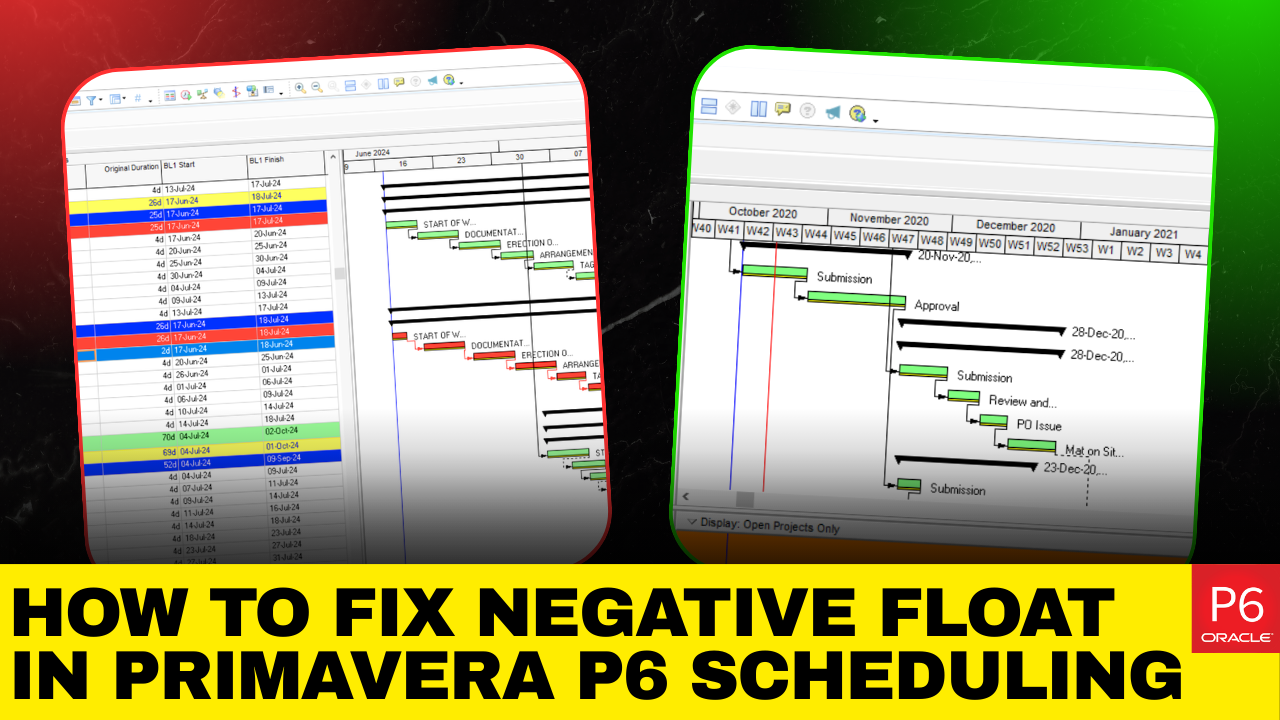
In professional project scheduling, negative float is a red flag. It signals that your current plan cannot meet a required deadline unless corrective action is taken. Whether you’re managing construction, IT implementation, or infrastructure delivery, understanding negative float is essential for maintaining schedule integrity and contractual compliance.
This in-depth guide explains what negative float is, how to calculate it, and most importantly, how to fix it.
What Is Negative Float?
Float (or slack) represents the amount of time an activity can be delayed without impacting the project’s completion date.
When the float becomes negative, it means:
- The activity is scheduled to finish after its required deadline.
- The project cannot meet its contractual or imposed completion date.
- Immediate schedule correction is needed.
In simple terms, negative float quantifies how far behind schedule you are.
For example, if an activity shows 5 days of float, the project is effectively 5 days late under the current logic and constraints.
How Negative Float Is Calculated?
Most professional scheduling tools use the Critical Path Method (CPM). The formula for total float is:
Total Float = Late Date – Early Date
This can be calculated using either:
- Late Finish – Early Finish
- Late Start – Early Start
If the early dates precede the late dates, the result is negative. Therefore, to help project managers and schedulers address negative float and scheduling challenges, we offer an EPC planning course and Primavera P6 services to enhance your project planning skills.
Effective Ways to Reduce Negative Float In Primavera P6
Negative float occurs when your project schedule shows that activities cannot meet their required dates. It usually means your project is running behind a constraint, deadline, or logical relationship. Below are the most common causes and practical solutions
- Project Deadline Set Earlier Than the Logical Completion Date
When you assign a Must Finish By date that is earlier than the calculated project completion date, a negative float is generated.
For example, if the schedule logic shows a finish date of September 29 but you change the contractual finish date to August 27, the system will display a negative float equal to the gap between those dates.

Source: Taradigm
If the gap is 24 days, your project will show a total float of -24 days, meaning it is 24 days behind the required deadline.

Source: Taradigm
How To Resolve It: Compress The Schedule
To recover time without reducing scope, use schedule compression methods.
Fast-Tracking Activities
Fast tracking means overlapping tasks that were previously sequential.
- Convert Finish-to-Start relationships into Start-to-Start where practical.
- Allow parallel execution when risks are manageable.
- Shorten the overall project timeline.
This method reduces duration but requires careful coordination.

Source: Taradigm
Crashing Critical Tasks
Crashing involves increasing resources to complete work faster.
- Add additional crew members or equipment.
- Adjust resource calculation settings.
- Use appropriate duration types such as Fixed Units/Time.
- Reschedule to evaluate improvements.
Crashing typically increases costs but can significantly reduce negative float when applied to critical activities.

2. Activity-Level Date Restrictions Causing Delay
Negative float can also result from applying constraints like Finish On or Before or Start On or After to specific activities.

If an activity is logically scheduled to finish after its constraint date, the schedule will show a negative float equal to the delay.

How To Resolve It: Optimize Activity Logic
Instead of simply removing the constraint:
- Reassess predecessor and successor relationships.
- Determine whether sequencing is mandatory.
- Consider overlapping work where possible.
- Check for shared resource conflicts.
Proper resequencing can allow the activity to meet its constraint without generating negative float.
3. Unexpected Negative Float On WBS Or LOE Activities
Sometimes, a negative float appears on the WBS Summary or Level of Effort (LOE) activities even when no constraints are applied. This is usually not a scheduling error but a calculation setting issue.

Want to Learn How WBS Structures Interact With Scheduling!
Here’s our detailed tutorial on how to import project WBS from Excel into Primavera P6 in 10 minutes:
How to Resolve It: Review the Float Calculation Method
Primavera P6 calculates Total Float using one of three options:
- Start Float (Late Start – Early Start)
- Finish Float (Late Finish – Early Finish)
- The Smaller Of Start Or Finish Float
If the calculation method changes from the default Finish Float option, summary activities may incorrectly display negative float.

Open Schedule Options and confirm that Total Float is calculated using Finish Float. After rescheduling, the negative values typically disappear.

4. Cross-Project Dependencies Creating Conflicts
External relationships link activities between different projects. If the connected activity in another project has a restrictive constraint, it can push your activity into negative float.
This situation can be difficult to diagnose unless both projects are reviewed together.

How To Resolve It: Evaluate External Relationships
- Open Schedule Options.
- Temporarily select “Ignore relationships to and from other projects.”
- Reschedule to test the impact.
While ignoring the link may remove the negative float, always verify why the dependency was created before permanently deleting it.

5. Custom Calendars Affecting Milestones
Custom work calendars can unintentionally create negative float, especially when applied to milestones.
For example, if a milestone occurs on a specific recurring weekday and is set as a Finish Milestone, predecessor activities may show late dates before early dates, resulting in negative float.

How To Resolve It: Modify Milestone Configuration
Switching the milestone type from a finish milestone to a start milestone can resolve the issue without changing duration. After rescheduling, predecessor activities are properly realigned, and negative float is eliminated.

Conclusion
Negative float is a critical warning indicator in project scheduling that shows your project is behind its required deadline. It reflects a gap between planned logic and imposed constraints, signaling the need for immediate corrective action.
In this blog, we discussed what negative float means, how it is calculated using the Critical Path Method (CPM), and why it appears in tools like Primavera P6. We covered key causes and also explored practical recovery strategies.
By applying these techniques, you can improve schedule accuracy, make informed decisions, and keep projects aligned with contractual deadlines.